Note
You're reading the documentation for a development version. For the latest released version, please have a look at Lyrical.
Launching multiple nodes — tutorial - how-to
As robotic systems become more complex, starting each node in a separate terminal becomes difficult to manage. This tutorial explains how to use a launch file to start multiple ROS nodes with one command. After completing it, you will be able to run and control multiple nodes at the same time.
A launch file lets you start multiple nodes simultaneously with a single command, without opening a separate terminal for each.
This article shows you how to run an existing launch file with ros2 launch.
Area: Framework | Content-type: how-to | Experience: beginner
Summary
Use ros2 launch <package> <launch_file> to run multiple nodes at once from a single launch file.
You can run a launch file that already comes with a package, or create a new one.
To learn how to write your own launch file, see Creating a launch file.
Steps
Note
Source ROS in every new terminal you open. See Configuring environment.
1 Run a launch file
To run a launch file, use:
$ ros2 launch <package_name> <launch_file_name>
For example, to run the multisim.launch.py file, which is included in the turtlesim package, use:
$ ros2 launch turtlesim multisim.launch.py
You do not need to create this file yourself.
It is installed with turtlesim, so any machine with that package can run this command.
This runs the following launch file:
from launch import LaunchDescription
import launch_ros.actions


def generate_launch_description():
    return LaunchDescription([
        launch_ros.actions.Node(
            namespace='turtlesim1', package='turtlesim',
            executable='turtlesim_node', output='screen'),
        launch_ros.actions.Node(
            namespace='turtlesim2', package='turtlesim',
            executable='turtlesim_node', output='screen'),
    ])
Note
The multisim.launch.py launch file is written in Python, but you can also use XML and YAML to create launch files.
You can see a comparison of these different launch formats in Using XML, YAML, and Python for ROS Launch Files - how-to.
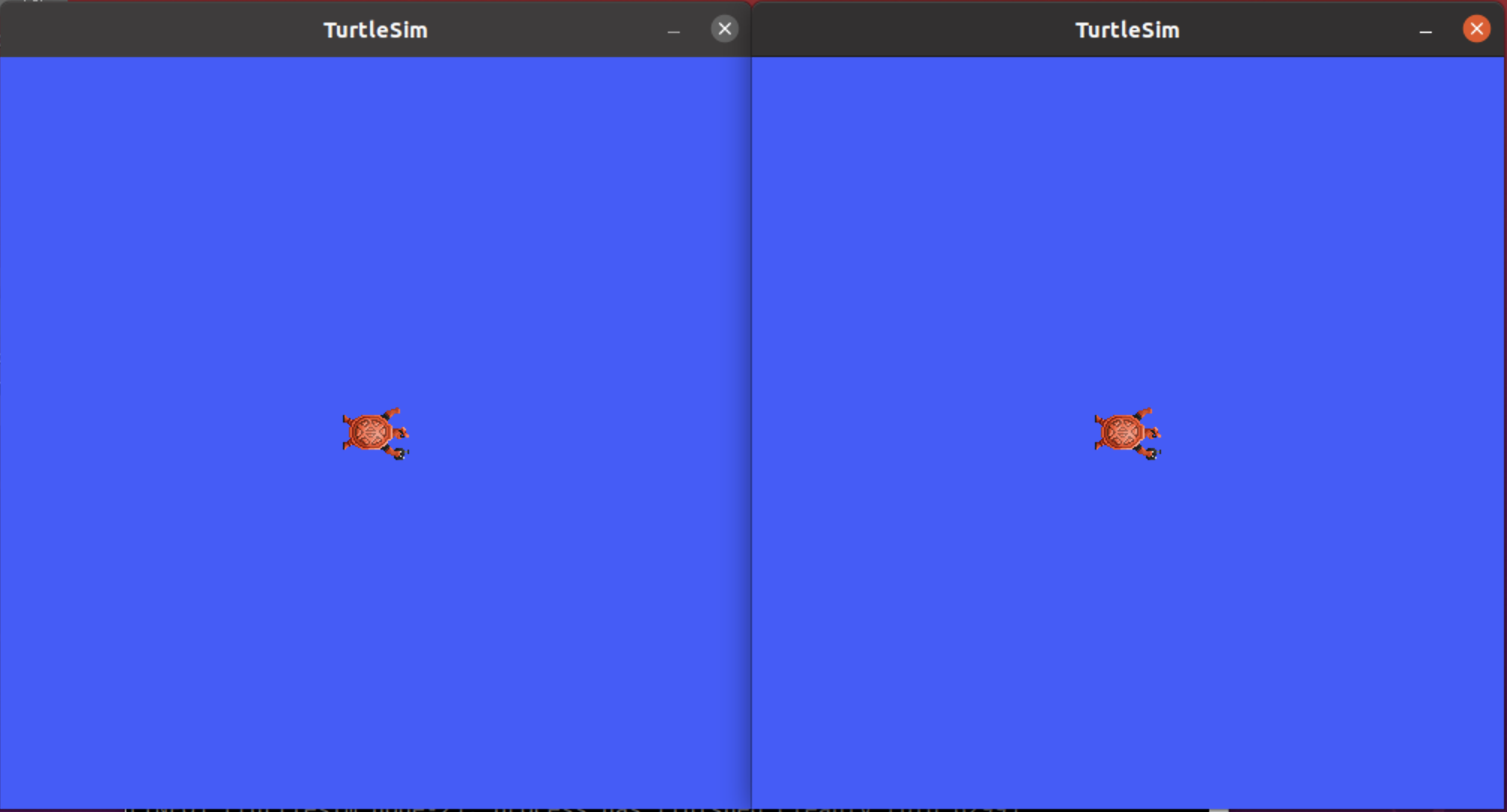
Two Turtlesim windows open, one for each node defined in the launch file:
FAQs
- Can I write a launch file in a language other than Python?
Yes. ROS supports launch files written in Python, XML, and YAML. For a comparison of these formats, see Using XML, YAML, and Python for ROS Launch Files - how-to.
- How do I write my own launch file?
See Creating a launch file for a step-by-step guide. The ROS launch tutorials index lists further launch topics.
- Can I pass arguments to a launch file?
Yes. Use
ros2 launch <package> <launch_file> <arg>:=<value>to pass arguments at the command line. Arguments must be declared within the launch file itself.