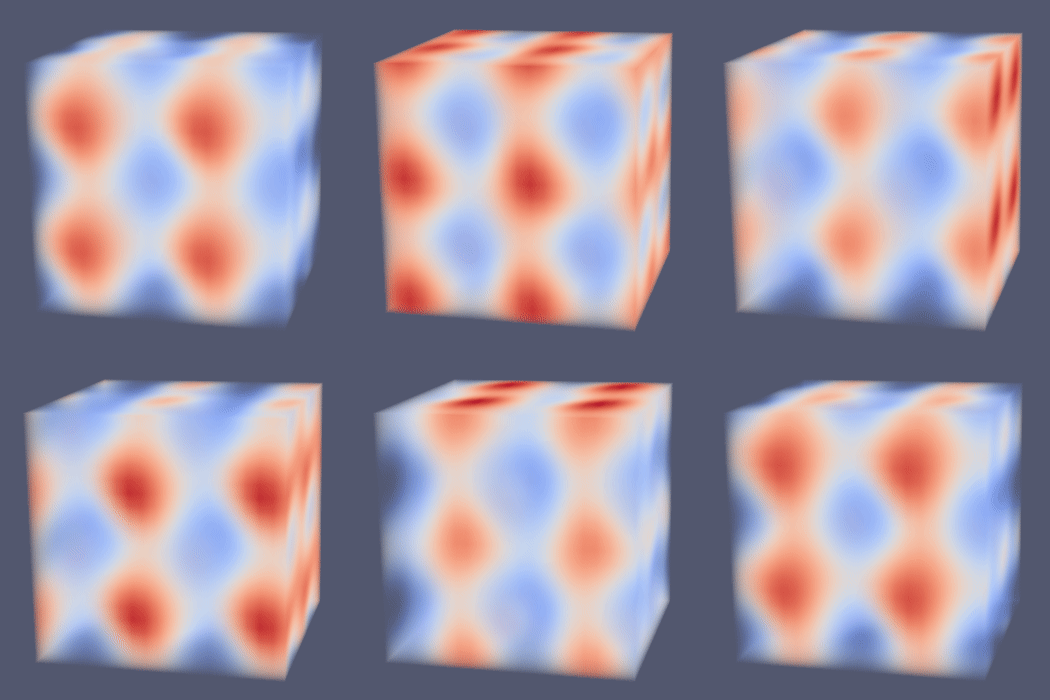
Add spatio-temporal harmonics filter/source#
Filter#
You can now use a new filter to compute spatio-temporal harmonics on each point of your input dataset. This avoids some manual computation through the calculator which would be hard to follow.
This filter allows you to add multiple harmonics defined by their amplitude, temporal frequency, wave vector, and phase. The sum of them will be computed using the sinus function for each point. Note that there is no cosinus in this function. If no harmonic is specified, values will be null.
Source#
You can now generate an image data with harmonics data. This new source allows you to specify the uniform grid extent. It also lets you choose the harmonics you want, the same way as in the filter (it is embedded). Finally, it can generate time steps by specifying time values.
If no harmonic is specified, the source will generate
null harmonic values. You can generate default harmonics
with the ResetHarmonics function though.
If no time value is specified, the source will not
generate time steps. You can generate default ones with
the reset ResetTimeStepValues function though.